

Klarna Payment Options
Shop now. Pay later. In 30 days. Or in 6, 12, or 24 instalments. As you wish. With Klarna.
Together with Klarna, we offer you a completely new shopping experience.

Flexible, secure, simple.
With Klarna, you experience a new world of shopping. Simply choose one of Klarna’s payment options at checkout and decide for yourself whether you want to pay for your purchase later or in instalments. In short: shopping as it should be. Flexible, secure, and simple.
Instalment purchase
Choose Klarna instalment purchase directly at checkout. This way, you can shop today and split your costs into fixed or flexible instalments for up to 24 months. With the Klarna App you always keep full control and overview of your payments.
Pay immediately
Pay directly with your card or bank account. No registration required. Fast, secure, and simple.
Invoice
Only pay for what you really like: receive your order first and then decide what you want to keep. If you like an order, you can simply pay it later within 30 days.
How you shop with Klarna.
Add your favourite items to the shopping cart and proceed to checkout.
There, select Klarna as the payment method to pay for your purchase as flexibly as you want.
Manage your orders and payments anytime in the Klarna App.
Better shopping.
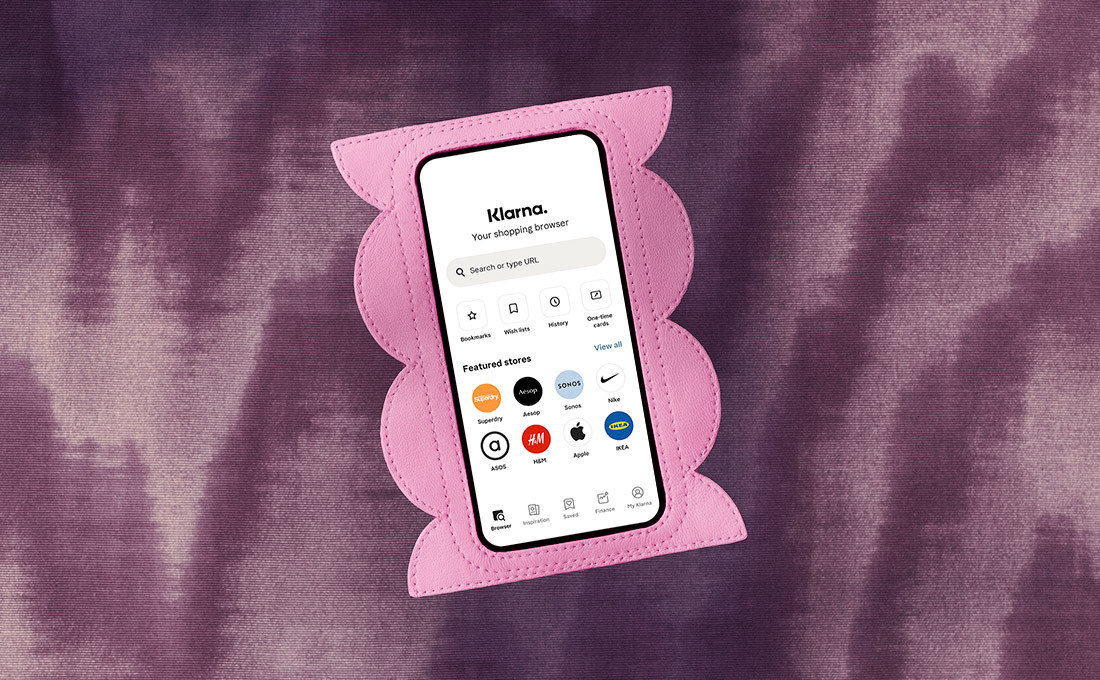
With the Klarna App you can view your orders anytime, manage existing payments, handle returns, and much more. Don’t have your phone at hand? Then simply log in on the desktop via https://app.klarna.com/login . And if you have questions: ask us anytime in the Klarna chat in the app.
Safe shopping.
With Klarna, you are always on the safe side. With Klarna buyer protection and the latest protection and security measures, your data is always protected from unauthorized access.
FAQ
Need more help? Take a look at the full FAQ page here . You can reach us anytime at https://www.klarna.com/at/kundenservice/ or write to us in the Klarna chat in the Klarna App . We are here for you 24/7.
I received an invoice that I have already paid. What should I do?
Please first check whether the invoice amount has been debited from your bank account and whether Klarna was the payment recipient. If your payment has not been processed despite correct details, then log in to Klarna and select “Report a problem” so that your invoice is paused. If you paid an invoice directly to the merchant, please contact the respective merchant and ask for a refund. Then transfer the amount again to Klarna.
I have not received my order. What happens to my invoice?
Of course, you do not have to pay the invoice as long as you have not received your order. If the payment deadline is approaching and you still have no information about the delivery status, please contact the merchant. To do this, log in to Klarna and select “Report a problem” so that your invoice is paused until your order arrives.
The total amount on my invoice is not correct. What should I do?
If the invoice amount does not match the amount of your order, you should not pay the invoice for now. Please contact the merchant directly so that they can correct your invoice. While you wait for a new invoice from the merchant, log in to Klarna and select “Report a problem” so that your invoice is paused until it has been corrected.
What should I do if I want to return goods?
First, follow the merchant’s return instructions and do not forget to keep the tracking number of your return shipment. Log in to Klarna and select “Report a return” so that your invoice is paused until your return has arrived at the merchant. Once the merchant has registered your return, you will receive an adjusted invoice which you can then pay as usual via Klarna.